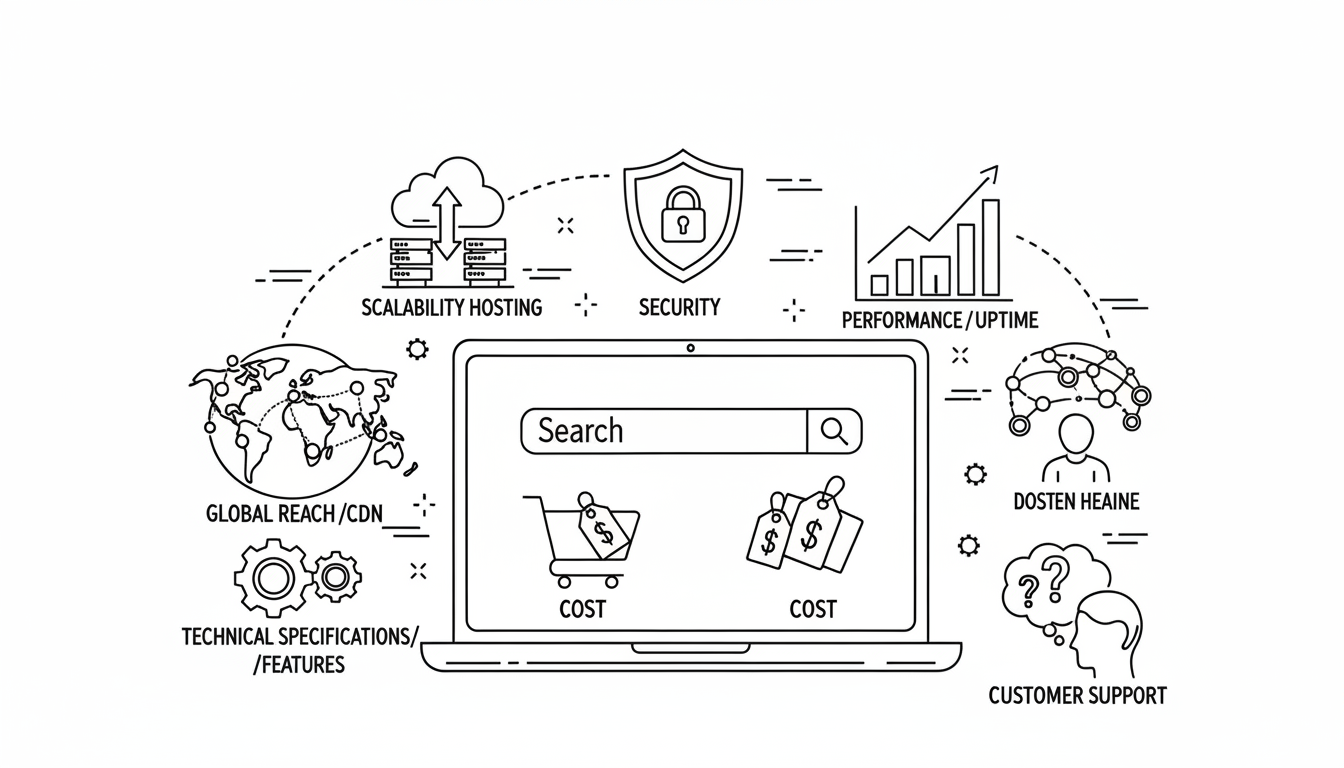
Choosing the right web hosting provider is one of the most important decisions you’ll make when building a website. Whether you’re launching a personal blog, an online store, or a corporate portal, your hosting determines how fast your site loads, how secure it is, and how easily it can grow over time.
With hundreds of providers and dozens of plan types available, it’s easy to feel overwhelmed. Should you go with shared hosting, VPS, or a dedicated server? What about uptime, bandwidth, and SSL?
In this comprehensive 2025 guide, you’ll learn exactly how to choose the right web hosting for your website, what factors to prioritize, and how to avoid the common traps that cost website owners time and money.
1. What Is Web Hosting and Why Does It Matter?
Web hosting is the service that stores your website’s files and makes them accessible on the internet. When someone visits your domain, the hosting server delivers the content — text, images, videos, and code — to their browser.
Simply put, your hosting is the engine behind your website. A slow, unreliable, or poorly managed server can ruin your user experience, no matter how good your design or content is.
Why Hosting Quality Is Critical
- Speed and performance: A fast host ensures that your pages load quickly, improving user satisfaction and SEO ranking.
- Security: A secure host protects your website from hackers, malware, and data breaches.
- Uptime: The best hosts guarantee at least 99.9% uptime, meaning your site is online nearly all the time.
- Scalability: As your traffic grows, your hosting should be able to handle more visitors smoothly.
- Support: Responsive 24/7 support is essential when technical issues arise.
Your website is an investment — and good hosting is the foundation that keeps that investment strong.
2. Understand Your Website’s Needs
Before comparing hosting plans, you need to understand what kind of website you’re building and what it requires. Every website has unique resource demands depending on its purpose, content type, and target audience.
Ask Yourself These Questions
- What type of site are you creating?
A simple blog requires less power than an eCommerce store or online learning platform. - How much traffic do you expect?
If you anticipate high daily visitors or rapid growth, choose a plan with more CPU, RAM, and bandwidth. - Do you need specific software or frameworks?
Some hosts specialize in WordPress, while others support Node.js, Django, or Laravel. - What’s your budget?
Don’t just pick the cheapest plan — balance affordability with quality and room to scale.
Once you have a clear idea of your needs, you’ll be able to narrow down which type of hosting environment fits best.
3. Explore the Main Types of Web Hosting
There are several hosting categories, each offering different levels of performance, security, and scalability. Here’s a breakdown of the most common types and when to use them.
a. Shared Hosting
Best for: Beginners, small blogs, or portfolio sites
Shared hosting means multiple websites share the same server and its resources (CPU, RAM, bandwidth). It’s affordable and beginner-friendly, but performance can be affected if neighboring sites consume too many resources.
Pros:
- Low cost and easy setup
- Free SSL and basic support included
- Suitable for low-traffic sites
Cons:
- Limited performance for growing traffic
- Shared resources may slow down your site
- Restricted server control
If you’re launching your first website or blog, shared hosting is a good starting point. As your traffic grows, you can upgrade to VPS or cloud hosting later.
b. VPS Hosting (Virtual Private Server)
Best for: Growing websites, developers, and small businesses
VPS hosting divides one physical server into multiple virtual servers, giving you dedicated resources and root access. It offers better performance and security than shared hosting while remaining affordable.
Pros:
- Guaranteed CPU, RAM, and storage
- Full control and customization
- Better scalability and uptime
Cons:
- Requires some technical knowledge
- More expensive than shared hosting
VPS hosting is ideal for medium-sized websites, busy blogs, or online stores that need stable performance without the high cost of dedicated servers.
c. Dedicated Server Hosting
Best for: Large enterprises, eCommerce giants, or heavy-traffic sites
Dedicated hosting gives you a whole physical server exclusively for your website. It provides maximum performance, control, and security but requires server management skills or a managed plan.
Pros:
- Complete resource ownership
- Unmatched performance and stability
- Advanced security customization
Cons:
- Higher cost
- Requires server administration experience
Choose dedicated hosting if you run mission-critical projects, enterprise apps, or high-volume eCommerce platforms.
d. Cloud Hosting
Best for: Startups, scaling businesses, and global sites
Cloud hosting uses a cluster of connected servers to balance load and ensure uptime. It’s flexible, allowing you to scale resources up or down instantly as your traffic fluctuates.
Pros:
- Excellent uptime and scalability
- Pay-as-you-go pricing models
- Automatic failover protection
Cons:
- Can be complex for beginners
- Costs may rise with traffic spikes
Cloud hosting is perfect for businesses that need consistent performance and flexibility without worrying about server limitations.
e. Managed Hosting
Best for: Businesses that prefer hands-off management
Managed hosting means the provider handles server optimization, updates, security, and maintenance — letting you focus on your website instead of technical details.
Pros:
- Expert technical management
- Enhanced performance and security
- Daily backups and automatic updates
Cons:
- Slightly higher pricing
- Limited control for advanced users
Managed hosting is ideal for busy professionals and business owners who want premium performance without handling server tasks manually.
4. Key Features to Look for in a Hosting Provider
Not all web hosts are created equal. When evaluating providers, focus on the core features that impact performance, reliability, and long-term value.
a. Uptime Guarantee
Look for a minimum of 99.9% uptime. Anything less means potential revenue loss and frustrated visitors.
b. Speed and Performance
Choose hosts using NVMe SSD storage, LiteSpeed servers, and content delivery networks (CDNs). Fast loading speeds improve SEO and user experience.
c. Security Features
Your host should include:
- Free SSL certificates
- DDoS protection
- Malware scanning and removal
- Firewall and account isolation
Security should never be an optional add-on — it must be built into the plan.
d. Scalability
Good hosting grows with you. Ensure your provider allows easy upgrades to higher plans (e.g., from shared to VPS) without downtime.
e. Support and Customer Service
Choose a host with 24/7 support via live chat or tickets. Check their response times and technical expertise. When your site goes down, you’ll need help fast.
f. Backups and Data Protection
Automatic daily or weekly backups are essential. In case of data loss or hacking, you should be able to restore your site instantly.
g. Pricing Transparency
Avoid providers with hidden fees or renewal rate traps. The best hosts clearly display their renewal prices and include essentials like SSL and backups in every plan.
5. How to Match Hosting Type to Website Type
Every kind of website has specific hosting needs. Here’s a quick guide to help you align your goals with the right hosting solution.
| Website Type | Recommended Hosting | Key Considerations |
|---|---|---|
| Personal Blog | Shared or WordPress Hosting | Affordable, simple setup |
| Business Website | VPS or Managed Hosting | Professional uptime, email hosting |
| eCommerce Store | VPS, Cloud, or Dedicated | SSL, high performance, PCI compliance |
| Portfolio Site | Shared Hosting | Cost-effective and easy to maintain |
| SaaS or App Hosting | Cloud or Dedicated | Scalability and resource control |
| News or Magazine Site | VPS or Cloud | Caching and high concurrency |
| Nonprofit or Organization | Managed Cloud | Reliability and support focus |
Choosing hosting by site type ensures you don’t overpay for unnecessary resources or underperform due to insufficient ones.
6. Avoid Common Hosting Mistakes
When selecting hosting, many users fall into traps that lead to poor performance or unnecessary costs. Avoid these common pitfalls:
a. Choosing the Cheapest Plan
While budget is important, ultra-cheap hosting often means limited speed, unreliable uptime, and weak support. Always evaluate long-term value instead of short-term savings.
b. Ignoring Renewal Prices
Many providers lure customers with low first-year prices, only to raise renewal fees dramatically. Check renewal rates before purchasing.
c. Overlooking Security
A host without built-in malware protection or SSL can put your entire business at risk. Prioritize security even for small websites.
d. Not Checking Server Location
Your server’s physical location affects speed. Choose a host with a data center closest to your audience for faster load times.
e. Forgetting About Backups
Regular backups are your insurance policy. Always ensure your host provides automatic backups and easy restore options.
7. Evaluate Hosting Providers Step-by-Step
Here’s a simple process to help you choose the perfect host confidently.
Step 1: Identify Your Needs
List your website’s purpose, traffic expectations, and technical requirements.
Step 2: Set a Realistic Budget
Decide how much you can invest monthly without compromising quality.
Step 3: Compare Hosting Types
Determine whether you need shared, VPS, dedicated, or cloud hosting based on scalability and control.
Step 4: Shortlist Reliable Providers
Look for providers with solid reputations, high uptime guarantees, and positive customer feedback.
Step 5: Check Support and Features
Test their support team responsiveness before signing up. Review features like SSL, CDN, backups, and migration options.
Step 6: Review Terms and Renewal Policy
Read the fine print — understand what’s included and when prices change.
Step 7: Start Small, Scale Up
It’s smarter to start with a smaller plan and upgrade as your site grows. Good hosts will make scaling seamless.
8. Bonus: Technical Terms You Should Know
When researching hosts, you’ll encounter technical terms that may seem confusing. Here’s a quick glossary:
- Bandwidth: The amount of data your site transfers to visitors.
- SSD / NVMe: High-speed storage drives that boost site performance.
- cPanel: A user-friendly dashboard to manage your hosting.
- DNS: Translates domain names into server addresses.
- SSL Certificate: Encrypts data between your site and users for security.
- PHP / MySQL: Technologies that power dynamic websites like WordPress.
- Uptime: The percentage of time your website is accessible online.
Understanding these basics helps you make informed choices when evaluating plans.
9. Signs You Need to Upgrade Your Hosting
Even if you already have hosting, you might outgrow it over time. Here’s how to know it’s time to move up:
- Your website loads slowly despite optimization
- You’re hitting resource limits (CPU or RAM warnings)
- Frequent downtime or error messages
- Increased traffic causing performance drops
- You need more control for custom configurations
If any of these sound familiar, consider upgrading to VPS or cloud hosting to handle growth smoothly.
10. The Perfect Hosting Checklist
Before you make your decision, here’s a final checklist to ensure your hosting meets every requirement:
✅ 99.9% uptime guarantee
✅ NVMe SSD storage
✅ Free SSL certificate
✅ Daily or weekly backups
✅ 24/7 technical support
✅ Transparent pricing and renewals
✅ Easy scalability and migration
✅ Strong security features
✅ Global data center presence
✅ Simple, user-friendly dashboard
Ticking all these boxes ensures your hosting foundation is strong, secure, and future-ready.
11. Final Thoughts — Make Your Hosting Work for You
Choosing the right web hosting is more than a technical decision — it’s a strategic move that shapes your website’s success. The best host isn’t necessarily the cheapest or the most popular; it’s the one that aligns with your goals, supports your growth, and keeps your site running flawlessly 24/7.
Take time to assess your website’s purpose, traffic expectations, and technical comfort level. Start with reliable infrastructure, then scale up as your audience and business expand.
In 2025, the hosting landscape continues to evolve — but one truth remains:
A fast, secure, and reliable host is the foundation of every successful website.
Choose wisely, and your website will not only run smoothly but also grow confidently into the future.
